Modern UI for OTOBO
Modern UI Blue, Modern UI Green, Modern UI Gray, and Modern UI Red
otobomodern-uiskinagentotobo-11
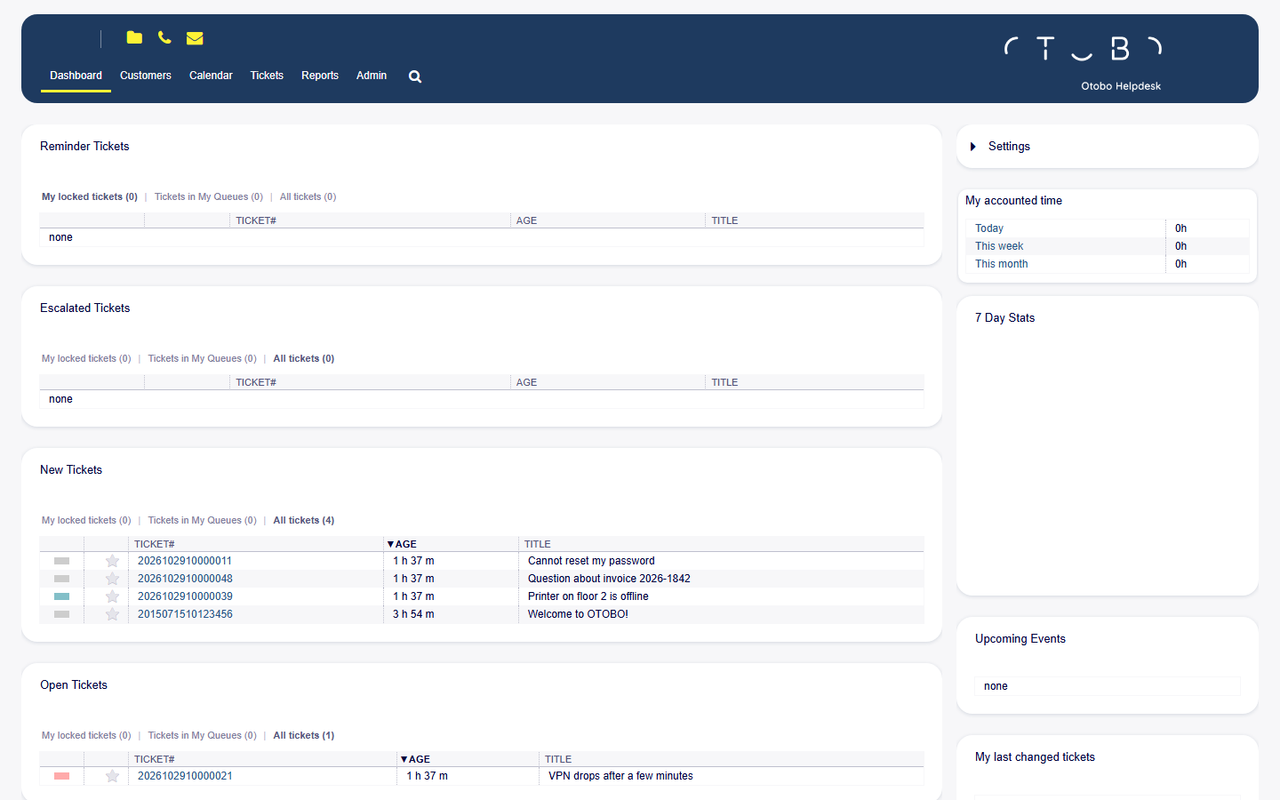
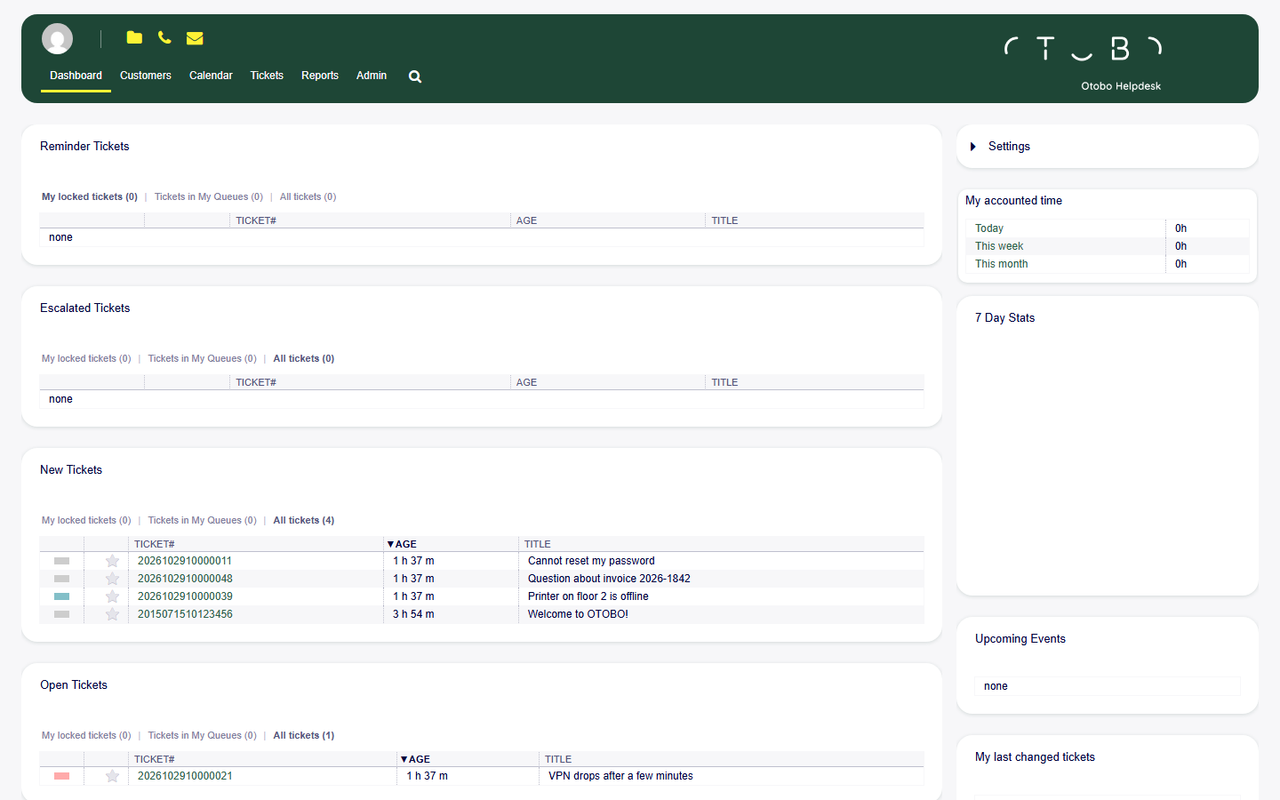
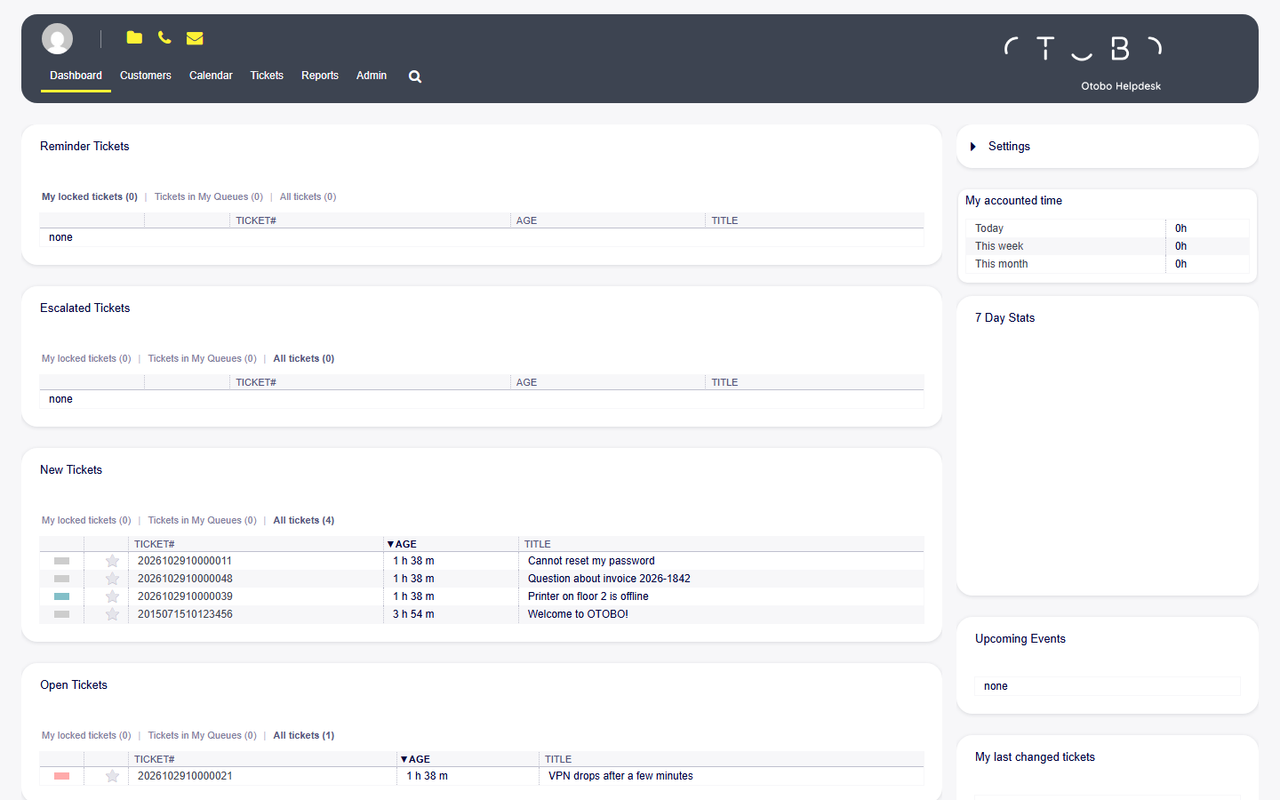
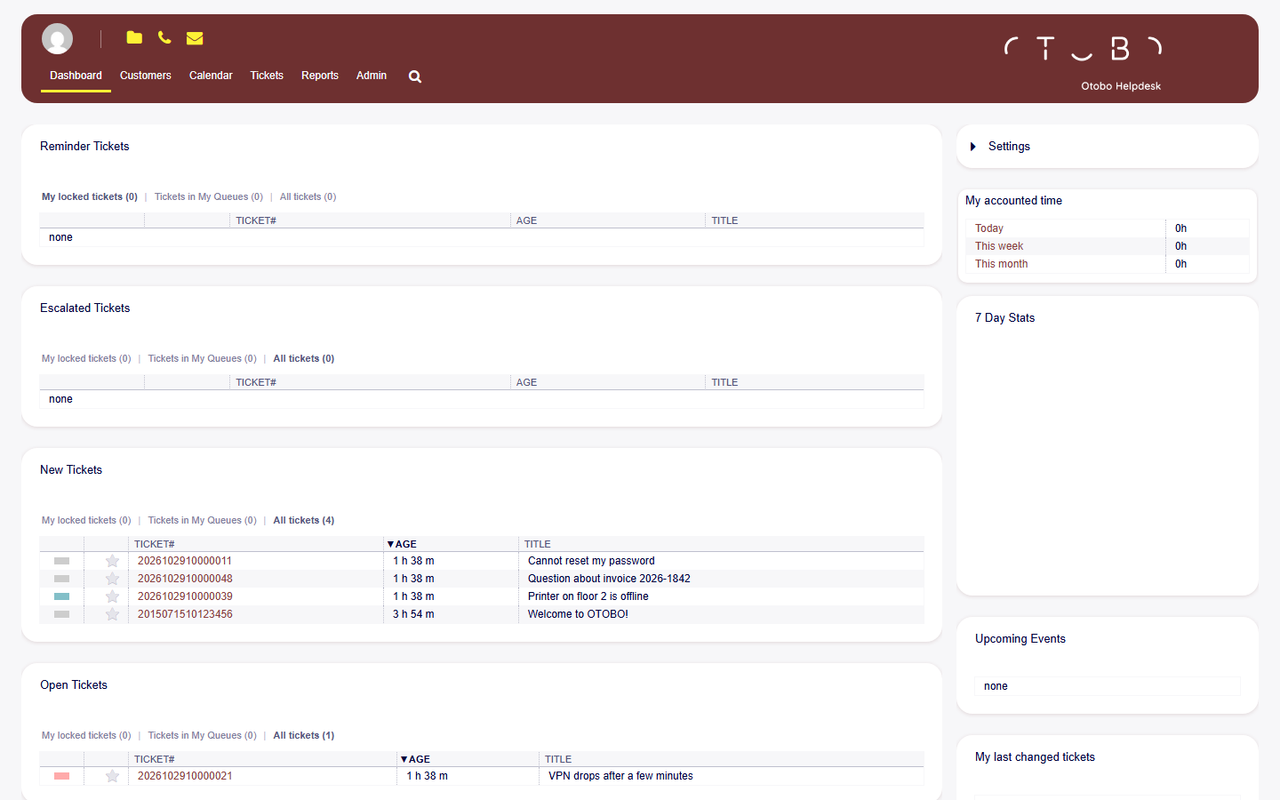
Who it’s for
- You want the OTOBO 11 agent interface in your color, without rebuilding the layout for each one
- Agents should pick the color themselves in personal preferences
- Header, links, and buttons should share one accent
Deliverables
- Four skins: Modern UI Blue, Modern UI Green, Modern UI Gray, and Modern UI Red
- Installation on the agent interface
- A short note on how agents switch color
Prerequisites
- OTOBO 11.1
- Access to the instance that should carry the skin
Included
- Installation on staging
- Move to production
- Check of the dashboard and administration
Excluded
- Customer portal
- Znuny
- A custom logo or colors beyond the four accents
Process
- 1
Color
- Pick one of the four accents, or set one as the default
- 2
Install
- Register the skin on the OTOBO 11.1 instance
- Check the agent preference
- 3
Handover
- Move it to production
- Show the switch in personal preferences
Frequently Asked Questions
Everything you need to know about scope, prerequisites, and delivery.
Modern UI for OTOBO
Modern UI Blue, Modern UI Green, Modern UI Gray, and Modern UI Red
Request the skin
info@softoft.de